
Tracking Volatile SERPs with the Ahrefs SERP Overview API
 Thomas Mann
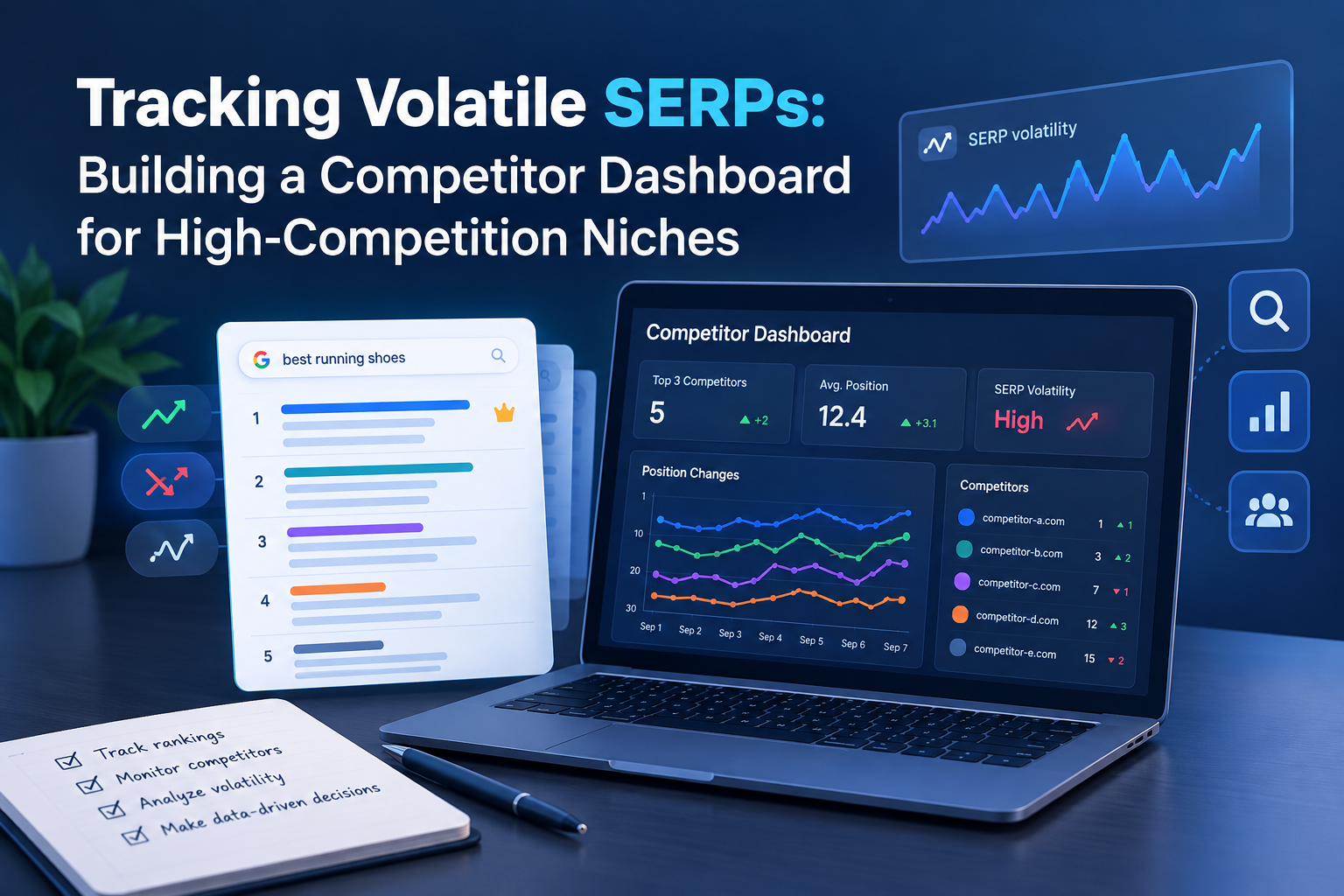
Tracking Volatile SERPs: Building a Competitor Dashboard for High-Competition Niches
In most industries, the top ten looks roughly the same in December as it did in June. In iGaming, casino affiliate, adult, forex, and crypto verticals, it doesn't. Domains appear, hold position for three weeks, and vanish. Sites you've never heard of outrank you on a money keyword, and by the time you notice, two more have arrived behind them.
In that environment, "where do I rank" is barely half a question. The useful version is: who is on this page right now, what changed since yesterday, and what did the new arrival have that I don't?
One Ahrefs endpoint answers all three in a single call. This article covers how to build monitoring on top of it, what it costs at daily cadence, how it differs from the built-in Rank Tracker, and how to deliver the output so someone actually acts on it. Sections marked [Technical] go into parameters and unit math — skip them if you're not the one building it.
Who This Is For
Ahrefs already ships a rank tracker. If it answers your questions, use it and skip this. Building your own monitoring is worth the effort in a narrower set of cases.
Worth building when:
- You work in a vertical where the top ten reshuffles weekly — gambling, adult, affiliate, forex, crypto, or any high-payout niche
- Your competitor set genuinely changes month to month, rather than being the same five brands forever
- A single money keyword is worth enough that a two-week-late reaction costs real revenue
- You need SERP data joined with something Ahrefs doesn't have — your own revenue per keyword, your link buying schedule, your publishing calendar
Not worth it when:
- Your rankings are stable and your competitors are a known, fixed list
- You only need your own positions — the Rank Tracker endpoints do that for free, as explained below
- You need city-level local rankings — this endpoint works at country level only
- Your plan's unit quota can't cover your keyword set at the frequency the niche demands
Why Volatile Niches Break Standard Rank Tracking
Conventional rank tracking rests on an assumption: that you know who your competitors are. You add them to the tool once, and the tool reports how you compare.
In a high-competition affiliate vertical, that assumption fails immediately. The list you wrote in January is outdated by March. New domains launch constantly. Networks rotate sites. Aggressive players push into the top five, get filtered out weeks later, and are replaced by the next one. Competitors you never registered as competitors are the ones taking your traffic.
There's a second problem. Knowing you dropped from position 3 to position 7 tells you nothing actionable. What you need to know is who took those slots, how strong their backlink profile is, and what kind of page they used. Otherwise you're reacting to a number instead of to a cause.
The endpoint that fixes both problems isn't a rank tracker at all. It returns the whole results page.
[Technical] Rank Tracker vs SERP Overview: What Each Actually Gives You
Ahrefs offers both, and they solve different problems. The distinction is worth understanding before you write any code, because one of them is free.
| Rank Tracker endpoints | SERP Overview endpoint | |
|---|---|---|
| Cost | Free — consumes no API units | max(50, per_row × rows) units per request |
| Requires | A project_id — a Rank Tracker project configured in Ahrefs |
Nothing. Any keyword, any country, ad hoc |
| Device | Yes — device is required (desktop or mobile) |
No device parameter. Country only |
| Period comparison | Built in — date_compared, plus a status field marking results as new, lost, or unchanged |
You store snapshots and diff them yourself |
| Headline metrics | Share of voice, share of traffic value, traffic, pages per domain | Per-result DR, UR, referring domains, backlinks, Ahrefs Rank, page type |
| Coverage | Your configured keyword set, on Ahrefs' refresh schedule | Any SERP — including keywords you don't rank for at all |
This isn't an either/or decision. Read the table again and the split becomes obvious.
Rank Tracker gives you share of voice, mobile versus desktop, and new/lost detection built in, at zero unit cost — but only inside a project you've configured, and only on Ahrefs' own refresh cadence. It's your baseline monitoring, and it would be wasteful not to use it.
SERP Overview gives you the backlink profile of every competitor on the page, including domains you've never tracked, on keywords where you don't rank at all. That's the part you can't get for free, and in a volatile niche it's the part that explains why something changed rather than just that it did.
The sensible design: baseline monitoring on the free Rank Tracker endpoints, and SERP Overview units spent deliberately on money keywords and on investigating new entrants.
One trap worth flagging. Ahrefs has two endpoints named SERP Overview. There's /v3/rank-tracker/serp-overview, which is project-scoped, and /v3/serp-overview/serp-overview, which is the standalone one this article is about. They are not interchangeable, and the naming makes it easy to integrate the wrong one.
[Technical] The Endpoint
A single GET request with a Bearer token:
GET https://api.ahrefs.com/v3/serp-overview/serp-overview
Required: select (which columns you want), country (ISO 3166-1 alpha-2), and keyword.
Optional, and this is where the useful control lives:
top_positions— how many organic positions to return. This directly controls cost, since you pay per row.type— filter by SERP feature. Values includeorganic,local_pack,snippet,knowledge_panel,news,image, and the paid types. Useful for detecting when a feature appears on a commercial query and quietly eats your clicks.date— return the last available snapshot as of a given timestamp, which lets you backfill history instead of only collecting forward.
The response is an array of positions. These are the fields worth knowing, with what they cost:
| Field | What it tells you | Units |
|---|---|---|
position, url, title |
Who ranks where. The core of everything. | 1 each |
domain_rating, url_rating |
Backlink strength of each competing result — the cheapest way to judge a new entrant | 1 each |
type |
Organic, paid, or which SERP feature this result is | 1 |
page_type |
AI-predicted page format (e.g. /Article/How_to) — what content type is winning |
1 |
update_date |
When Ahrefs last checked this SERP. Critical in volatile niches — see limitations | 1 |
refdomains |
Unique linking domains per result | 5 |
traffic, value, top_keyword_volume |
Estimated traffic, its USD value, and the result's strongest keyword | 10 each |
[Technical] What It Costs at Daily Cadence
In a stable niche you'd run this weekly. In a volatile one, weekly data describes a SERP that no longer exists. That makes cost the central design constraint rather than an afterthought.
The published formula:
max(base_cost, per_row_cost × num_rows)
Base cost is 50 units per request. Per-row cost is the sum of every unique field you touch, in select, filters, or ordering. Most fields cost 1 unit; the expensive ones are in the table above.
Two requests show how much the column choice matters.
Lean: select=position,url,title,domain_rating with top_positions=10. That's 4 units per row over 10 rows — 40 units, below the base. You pay 50 units per keyword.
Greedy: add traffic and refdomains. Per-row cost becomes 4 + 10 + 5 = 19 units, so 10 rows costs 190 units per keyword. Nearly four times the price for two columns.
Now scale that to a real keyword set at daily cadence, against plan quotas of roughly 25,000 units on Lite, 150,000 on Standard, 500,000 on Advanced, and 2,000,000 on Enterprise:
| Setup (top 10 positions) | Per run | Monthly, daily | Minimum plan |
|---|---|---|---|
| 100 keywords, lean columns | 5,000 | ~150,000 | Standard (only just) |
| 100 keywords, with traffic + refdomains | 19,000 | ~570,000 | Enterprise |
| 500 keywords, lean columns | 25,000 | ~750,000 | Enterprise |
| 500 keywords, rich columns | 95,000 | ~2,850,000 | Beyond Enterprise quota |
The table makes the strategy obvious: you cannot monitor everything daily with rich columns, so tier your keywords.
Split the set into money keywords and the long tail. Run the money keywords daily with lean columns. Run everything else weekly. Pull the expensive metrics — traffic, value, refdomains — only on demand, when a new domain appears and you want to know what it's built on. That last point is the whole trick: expensive fields are for investigation, not for monitoring.
Three practical notes that save real money:
- Every response carries
x-api-units-cost-total,x-api-rows, andx-api-cacheheaders. Log them. Estimating consumption is guesswork; the headers are fact. - Cached responses consume no units at all.
- Ahrefs offers free test queries against free targets. Price a request there before pointing it at 500 keywords.
Metrics That Matter When the SERP Moves Weekly
Having the full page instead of a single position changes what's worth measuring. Position over time is the least interesting thing you now have.
Volatility score per keyword. How much does the top ten reshuffle between runs? Rank your keywords by this and you learn where monitoring is actually needed. Some queries are contested weekly; others haven't moved in a year and don't need daily checks.
Top-ten churn rate. Across your keyword set, what percentage of top-ten slots changed hands this week? This is the health metric for the niche as a whole, and it tells you whether a bad week was your fault or everyone's.
New entrant detection. The single most valuable output. A domain that wasn't in the top ten yesterday and is now, on a keyword that matters, is worth knowing about within hours.
Entrant lifespan. Track how long new domains survive. In aggressive niches, some hold position for years and some for eleven days. Knowing the typical lifespan tells you whether to respond to an intruder or wait them out — and that judgement is worth more than any ranking chart.
DR distribution of the page. Average and spread of domain_rating across the results. If every result sits at DR 70 and you're at 35, content changes won't fix it. If a DR 20 domain just landed at position 4, something other than links is happening, and that's worth investigating.
Page format of the winners. The page_type field tells you whether reviews, comparisons, or guides are winning a query. In affiliate verticals the winning format shifts, and noticing that shift early is a content decision, not a link decision.
SERP feature changes. Using the type filter, watch for features appearing on commercial queries. Your position can be unchanged while your clicks halve.
How to Deliver It: Dashboard, Sheets, or Messenger
Collecting the data is the easy half. Getting a human to act on it is the half that fails, and the delivery format decides which.
Custom Frontend
A purpose-built dashboard gives you full control: your layout, your metrics, white-labelling for clients, and views that no off-the-shelf tool offers — a volatility heatmap by keyword, or an entrant timeline showing who came and went.
It's also the option where you are now maintaining a front end, forever. Worth it if you're an agency selling this as part of a retainer, or if the dashboard is the product. Rarely worth it for internal use alone.
Google Sheets
The fastest possible start. A scheduled script writes each run into a sheet, and you get filtering, pivot tables, conditional formatting, and sharing without building anything.
Sheets is genuinely good for manual analysis — sorting by volatility, eyeballing a competitor's rise week by week, handing a tab to a client. It degrades badly with history, though. Daily runs across 500 keywords produce five thousand rows a day, and within a few months the file becomes unusable. Treat it as a working surface and a proof of concept, with the real history stored elsewhere.
Messenger Alerts (Telegram, Slack)
For a volatile niche, this is the format that matters most, and the reasoning is simple.
A dashboard is a place you go. In a niche where the top ten changes daily, a dashboard someone checks on Friday afternoon is a historical document. What you need is a push: the information arrives whether or not anyone remembered to look.
Both Telegram and Slack are trivial to post to from a script — a bot token and an HTTP request. The message should carry the decision, not the data:
- "New domain at position 3 for [money keyword]: example.com, DR 41, first seen today"
- "You dropped out of the top 10 for [keyword] — replaced by example.net"
- "Local pack appeared on [keyword] — position unchanged, expect click loss"
A useful pattern is to combine the two: alerts in the messenger for anything urgent, and a link in that same message to the dashboard row for the full context. The alert triggers the decision; the dashboard supports it.
Setting Alert Thresholds So the Bot Doesn't Get Muted
This is the part that quietly kills most alerting systems, and volatile niches make it worse. If the SERP moves every day and you alert on every movement, the channel becomes noise within a week. Once people mute it, the whole project is dead — you're still paying for units nobody reads.
Practical thresholds worth starting from:
- Weight by keyword value, not by movement size. Position 4 to 6 on your top money keyword matters. Position 40 to 60 on a long-tail term does not.
- Alert on threshold crossings, not increments. Entering or leaving the top 3, top 5, or top 10 is an event. Drifting from 14 to 16 is weather.
- Require persistence. Only alert if a change holds across two consecutive runs. This filters out the single-run flapping that volatile SERPs produce constantly.
- Separate the channels. Urgent events (a new entrant in the top 5 on a money keyword) go to a channel people read. Everything else goes into a daily digest they can skim.
- Cap the volume. A hard limit of, say, ten alerts a day forces prioritisation. If the cap is hit constantly, your thresholds are wrong, and that's useful information in itself.
[Technical] The Pipeline
- Define the keyword set in a config table, tiered into daily money keywords and weekly long tail, each with a country code.
- Price one request first with a free test query and read
x-api-units-cost-totalbefore running the full set. - Pull the free Rank Tracker data for your own positions and share of voice. It costs nothing, so there's no reason to buy it twice.
- Loop the keywords through SERP Overview with lean
selectand a cappedtop_positions. - Store raw responses with a run timestamp. Store raw, transform later — you'll change the dashboard without wanting to re-buy the data.
- Normalize into rows: run date, keyword, country, position, domain, url, plus whichever metrics you selected.
- Diff against the previous run to produce movement, new entrants, and dropped domains. This step is the actual product.
- Enrich new entrants only. When an unknown domain appears in the top ten, fire a second request with the expensive columns to find out what it's built on.
- Apply alert rules and push to the messenger; write everything to the dashboard layer.
- Log unit consumption per run so a growing keyword list doesn't silently exhaust the monthly quota mid-month.
Honest Limitations
The data isn't live, and that hurts most here. You get the last SERP snapshot Ahrefs has, which is why update_date exists in the response. In a stable niche, a snapshot a few days old is fine. In a niche that moves daily, it's the central limitation of this approach, and no amount of running your script more often changes it. Display update_date in every view. Otherwise someone will compare your dashboard to a live search, find a mismatch, and stop trusting all of it.
Country level only. The country parameter is the only geographic control. For city-level or neighborhood-level tracking, this is the wrong tool entirely.
No device split. SERP Overview has no device parameter. If mobile versus desktop differences matter to you, that data lives in the Rank Tracker endpoints, which do take a device parameter — another argument for running both.
It won't tell you why. The endpoint shows that a DR 41 domain took position 3. It doesn't tell you whether that came from links, content, technical work, or something less repeatable. That interpretation is still yours to make.
Conclusion
In a stable market, rank tracking is a reporting task. In a volatile one, it's an early warning system, and the two need different tools.
The reason to build on the SERP Overview endpoint is that your competitor list stops being something you maintain. It becomes something the data tells you. New arrivals show up because they're on the page, not because someone remembered to add them.
Start narrow: your twenty money keywords, lean columns, daily, with alerts in a messenger and a rough sheet behind it. Expand the keyword set once you know which alerts you actually act on — which, in most cases, turns out to be fewer than you'd expect.
Further Reading (Sources & Documentation)
Ahrefs API documentation
- SERP Overview endpoint reference
- Rank Tracker endpoints (free, no unit consumption)
- Rank Tracker — Competitors domains
- Limits consumption — how units are calculated
- Free test queries
- Parameters reference
- API key creation and management
