
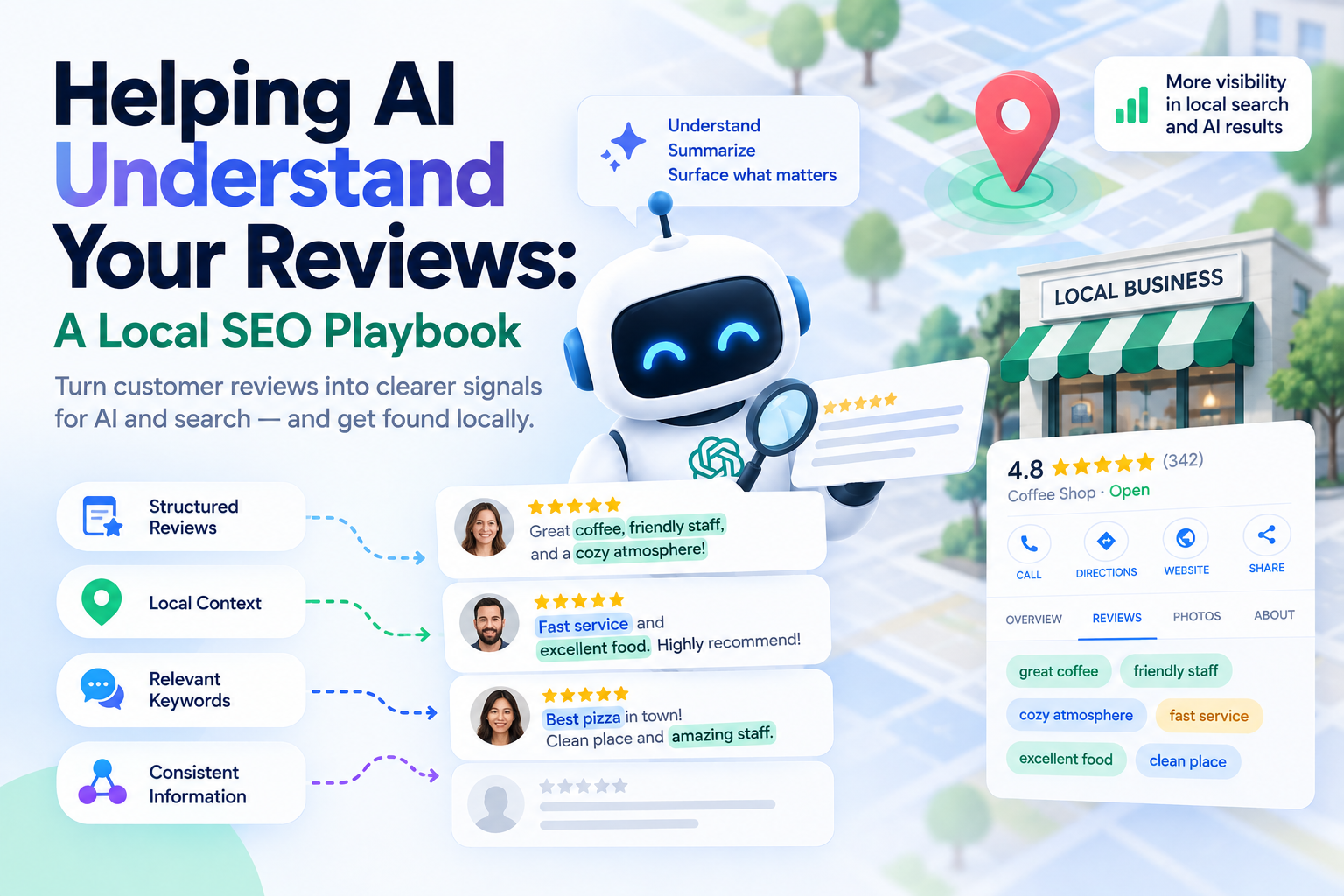
AI Local Search: Why Your Reviews Matter More Than Stars
 Thomas Mann
Helping AI Understand Your Reviews: A Local SEO Playbook
Most local businesses track two numbers about their reviews: how many, and what the average star rating is. For a decade that was roughly enough.
It isn't anymore. When an AI assistant recommends a local business, it reads the text of reviews, not just the rating. That text is where it learns what you actually do, for whom, and in which situations. Your 4.7 stars tell it nothing about whether you handle emergency callouts on a Sunday.
This article covers how to pull your reviews out of Google, analyze them for context rather than sentiment alone, do the same to your competitors, and turn the result into something AI systems can actually read. Sections marked [Technical] go into APIs and implementation — skip them if you're not the one building it.
Who This Is For
Worth doing when:
- You have at least 50 reviews — below that, you don't have an analysis problem, you have a volume problem
- You offer more than one service, or serve more than one type of customer
- Your rating is already decent and you're wondering what else moves the needle
- You have competitors nearby with plenty of reviews to learn from
Not worth doing when:
- You have under 20 reviews — spend that effort collecting more, not analyzing what you have
- You sell one thing to one audience, and every review says the same sentence
- Your rating is below the range AI tools appear to filter on — fix the service first, the rest is downstream
Why Reviews Became AI's Primary Local Signal
The behaviour shift here happened fast enough that most businesses haven't adjusted to it.
Consumer use of AI tools to find local businesses jumped from roughly 6% to 45% in a single year, making AI the third most common discovery channel after Google and Facebook. About 42% of consumers now say they trust an AI recommendation as much as a written review. And AI Overviews appear on up to 68% of local queries — frequently above the map pack.
What those systems synthesize is largely review data, drawn from Google, Yelp, directories and review sites. Two patterns show up consistently in how they weight it.
Recency matters more than you'd expect. Reviews from the last 90 days carry noticeably more weight than older ones. A wall of five-star reviews from 2022 is closer to decoration than to a ranking signal.
There appear to be rating floors. Practitioners tracking this report that ChatGPT rarely recommends businesses below about 4.30 stars, Perplexity around 4.10, and Gemini around 3.90. These are observed thresholds rather than published rules, and they will move — but the direction of travel is clear enough to plan around.
Here's the part that changes what you should be doing: the rating gets you into consideration, but the text is what gets you matched to a specific query. Think of the star rating as a grade on a transcript and the review text as the written reference. The grade decides whether you're in the pile. The reference decides whether you're right for this particular role.
The Context Gap
Here's a concrete version of the problem.
A dental practice offers emergency appointments, treats anxious patients, has parking, and accepts a specific insurance plan. All four are true. All four are on the website. And not one of them appears in a single review.
When someone asks an assistant for "an emergency dentist near me that takes [insurance] and is good with nervous patients", the practice doesn't get recommended. Not because it's a poor fit — it's a perfect fit — but because the corpus the model reads contains no evidence of any of it.
That's the context gap: the distance between what you actually do and what your reviews demonstrate that you do. It's invisible in every standard reporting dashboard, because those dashboards measure ratings, and this has nothing to do with ratings.
The good news is that the gap is measurable. That's what the rest of this article is about.
[Technical] Getting the Reviews Out of Google
Before any code, one warning that will save you a week.
The Business Profile APIs are not open by default. New Google Cloud projects start with zero quota. You must enable the APIs, configure OAuth, and then request access through Google's Business Profile API access form. Approval takes days to weeks, and rejections are common — particularly for applications that don't clearly describe a legitimate management use case. Start that request before you build anything else.
Google retired the old monolithic My Business API in April 2022 and split it into five purpose-built APIs. These are the relevant ones:
| Source | What you get | Access |
|---|---|---|
| Reviews API (Business Profile) | Full review text, rating, reviewer, your replies, reply status, and the specific policy violations behind any rejected reply | Requires approved access and profile ownership |
| Places API (Place Details) | Up to 5 reviews for any place, including businesses you don't own | No approval process — works immediately |
| Performance API | Impressions, searches, calls, direction requests per location | Approved access; note the migration to locations.fetchMultiDailyMetricsTimeSeries |
The practical route: use Places API to prototype the whole pipeline while your Business Profile access request sits in the queue. Five reviews per place is a small sample for your own business, but it's enough to build and test everything downstream — and as you'll see shortly, it's the only option you have for competitors anyway.
Watch quotas. Exceeding them returns 429, and the limits are lower than most people assume. Pull incrementally after the first full sync rather than re-fetching everything nightly.
[Technical] The Analysis Layer
Sentiment scoring is where most review analysis stops, and it's the least useful output. "This review is 82% positive" tells you nothing you can act on.
Instead, run each review through a model with structured output, extracting fields you can aggregate and query. A workable schema:
- Services mentioned — matched against your actual service list, with unmatched mentions kept as new candidates
- Aspect sentiment — separate scores for speed, price, staff, cleanliness, outcome, communication, rather than one blended number
- Situation and trigger — was this urgent, planned, a first visit, a second opinion, a seasonal need?
- Customer type — family, business, elderly, tourist, whatever segments matter in your category
- Objections and hesitations — doubts the reviewer mentions overcoming ("I was nervous about the cost, but…")
- Customer vocabulary — the exact phrases they use, preserved verbatim
- Location detail — neighbourhood, landmark, or travel context if mentioned
That last field matters more than it looks. Customers rarely use your marketing language. You sell "comprehensive HVAC maintenance"; they write "the guy fixed our aircon before the heatwave". Guess which phrasing matches what someone types into an assistant.
One practical note on cost, because people assume this is expensive: a thousand reviews at a couple of hundred words each is roughly 300,000 input tokens and maybe 150,000 output tokens. On a mid-tier model that's a few dollars, once. Re-analysis as new reviews arrive costs cents a month. The API access approval is the expensive part, and it's paid in time rather than money.
Reading Your Competitors' Reviews for Services You're Missing
Now point the same pipeline somewhere else.
Your competitors' reviews are demand research that has already been done for you, at their expense, in the actual words of real customers describing services they actually received. No keyword tool gives you that. Search volume tells you what people type; competitor reviews tell you what people needed, why they needed it, and how they described it afterwards.
How to Collect Them
Places API handles this without any approval process. Use Nearby Search or Text Search to find competitors in your service radius, collect their place IDs, then request Place Details for each.
You get up to five reviews per business. That's thin for any single competitor, but across twenty competitors it's a hundred reviews of live market language — more than enough to spot patterns. Prioritise the businesses that actually outrank you rather than everyone within five kilometres.
What to Extract
Run the same schema as your own reviews, plus three competitor-specific fields:
- Services mentioned that aren't on your list — either a gap in your offer, or a gap in how you describe your offer
- Situations you've never documented — the seasonal, urgent, or edge-case reasons people go looking
- Recurring complaints — the things customers consistently criticise about competitors are your ready-made differentiators, already validated by the market
The Four-Quadrant Map
Cross your service list against what appears in reviews — yours and theirs — and every service lands in one of four boxes.
| You provide it | You don't provide it | |
|---|---|---|
| Appears in your reviews | Working as intended. Maintain the flow of fresh reviews mentioning it. | Rare, and a warning sign — customers think you offer something you don't |
| Appears only in competitors' reviews | Context gap. You do this, but no evidence of it exists where AI can read it. Cheapest possible win. | Offer gap. The market wants it and you don't sell it. A business decision, not an SEO one. |
The bottom-left box is the whole point of the exercise. Those services already exist in your business. Nothing needs to be built, hired, or bought. The only thing missing is evidence, and evidence is cheap to create.
The bottom-right box is genuinely useful too, but it's a conversation with your operations, not your marketing.
Integrating the Findings Into Your Own Structure
Five concrete moves, roughly in order of effort:
- Add or rewrite service pages for everything in the bottom-left box, using the vocabulary from the reviews rather than your existing marketing copy.
- Update your Google Business Profile categories, services and attributes to match the terms customers actually use. This is fast, free, and frequently neglected.
- Answer the situations you found in your GBP Q&A and site FAQ. If competitors' reviews keep mentioning weekend emergencies, that's a question worth answering explicitly.
- Ask for reviews about the specific gaps. Not "please leave us a review", but asking customers who received that specific service to describe what you did. Same request, targeted at the people who can close the gap.
- Turn competitor complaints into content — describe how you handle the thing they get criticised for. Never name them. The point is to be findable on that need, not to attack anyone.
One caution before you act on any of it. Do not copy a competitor's service structure wholesale. Their most-mentioned service may be their least profitable one, or something they're stuck doing. Validate every finding against your own margins and capacity before you build a page around it.
What the Dashboard Should Show
Average rating over time is the least useful chart you can build. It moves slowly, tells you nothing about cause, and is already in the Google interface for free.
Build these instead:
- Service coverage — for each service you offer, how many reviews mention it. Zeros are your work queue.
- The gap map — the four quadrants above, kept current as new reviews arrive
- Aspect sentiment over time — tracked separately, so a slow decline in "speed" isn't hidden by a stable overall score
- Recency profile — how many reviews landed in the last 90 days, given how much that window seems to matter
- Reply coverage and depth — percentage replied to, and whether replies actually add context or just say thank you
- Vocabulary overlap — how much of your customers' language appears anywhere on your own site
- Competitive coverage — services where competitors have review evidence and you have none
The last two are the ones nobody builds and everybody benefits from.
Turning Analysis Into Context AI Can Read
An important clarification before the tactics: you cannot feed anything to an AI system. There is no submission form, no upload, no API where you hand ChatGPT your service list. What you can do is shape the corpus these systems read.
Four surfaces you actually control:
Review replies. These are the most underused text you own. A reply that says "Thanks Sarah" adds nothing. A reply that says "Glad we could get the emergency callout done on a Sunday for you in Northcote" adds a service, a situation, and a location to a document that AI systems demonstrably read. Write replies as if they're for a future reader who has never heard of you — because they are.
Google Business Profile content. Posts, Q&A, services and attributes are structured, first-party, and directly attached to your entity. If a gap shows up in the analysis, this is the fastest place to close it.
Site pages in customer language. A page about "emergency aircon repair" written the way customers describe it outperforms one about "reactive HVAC maintenance solutions", because the first matches how the question gets asked.
Targeted review requests. The only fully compliant way to add new review evidence is to ask real customers who received a real service. Which service you ask about is entirely up to you, and that's the lever.
[Technical] The Pipeline
- Request Business Profile API access on day one. Everything else can be built while you wait.
- Prototype with Places API — five reviews of your own business is enough to develop against.
- Pull your full review history once access is granted, then switch to incremental updates.
- Collect competitors via Nearby or Text Search, keep the place IDs, and fetch their reviews.
- Run the analysis with structured output, storing the extracted fields rather than the raw competitor text.
- Normalize services against your canonical list, keeping unmatched mentions in a separate table for review.
- Compute the quadrant map and refresh it on every run.
- Push to the dashboard, and alert on new negative reviews so they get a reply the same day.
- Maintain a reply queue with the gap context attached, so whoever writes the reply knows which service to mention.
Honest Limitations
Places API gives you five reviews per business. It's a sample, not a census. It's fine for spotting patterns across many competitors, and inadequate for judging any single one.
You can't store Google's review text indefinitely. Google Maps Platform terms allow place IDs to be cached, but restrict retention of other content. Store your derived analysis — services, sentiment, vocabulary — and let the raw text expire. Your own reviews via the Business Profile API are a different case, but check the current terms rather than assuming.
The rating thresholds are observed, not published. Nobody at OpenAI or Google confirmed that 4.30 is a cutoff. It's a pattern practitioners noticed, and it will shift. Treat it as a rough floor to stay above, not a specification.
You cannot write or incentivise reviews. Not through a service, not by offering a discount, not "just to get started". It violates Google's policies, it's detectable, and the downside includes losing reviews you legitimately earned. The entire approach here depends on real reviews from real customers — the only thing being engineered is which service you ask them to talk about.
Analysis doesn't fix service quality. If the gap analysis surfaces a service that customers consistently complain about, no amount of context engineering helps. You've found an operations problem wearing an SEO costume.
Conclusion
The shift is smaller than it sounds. Reviews were always the most important local signal; what changed is that machines now read them rather than counting them.
That makes review text a content channel, and like any content channel it can be measured for coverage and gaps. Your competitors' reviews tell you what the market asks for. Your own tell you what you can currently prove. The distance between those two lists is the work.
Start with the cheapest quadrant: services you already deliver that nobody has written about yet. Nothing needs to be built. The evidence just needs to exist somewhere a machine can find it.
Further Reading (Sources & Documentation)
Google documentation
- Google Business Profile APIs — overview
- Business Profile APIs — usage limits
- Business Profile — Reviews API reference
- Google Places API — documentation
- Google Maps Platform — terms of service
AI and local search behaviour
- Cheers — How consumers use AI to find local businesses in 2026
- CMC SEO — How ChatGPT recommends local businesses in 2026
- SEOProfy — AI SEO for local businesses
- SterlingSky — The state of local SEO in 2026
