
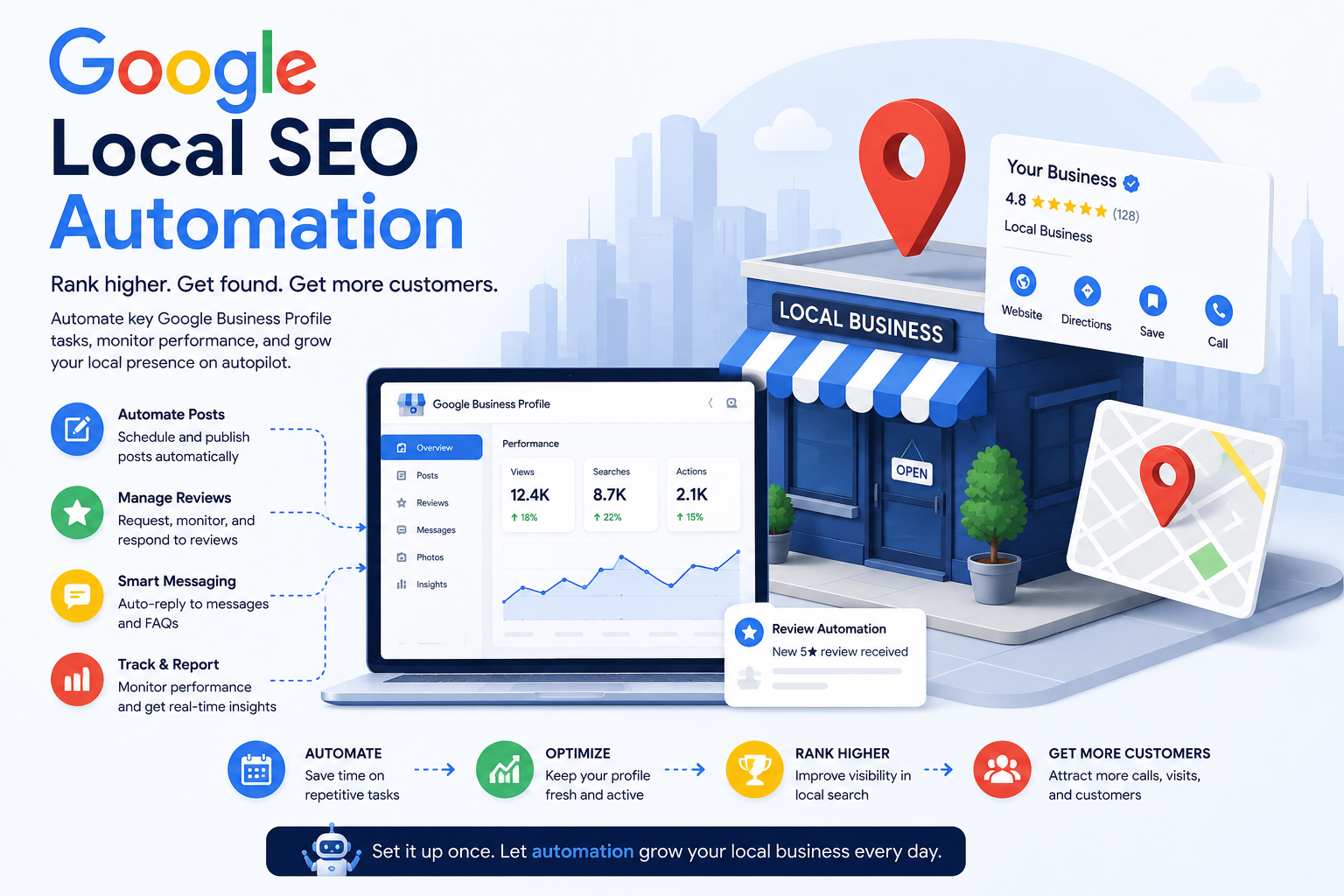
How to Automate Local Rank Tracking for Multi-Location Businesses
 Thomas Mann
Automating Rank Tracking for Multi-Location Businesses
If you run a business with more than one location — a clinic, a gym, a salon chain, a franchise, a network of service branches — you've probably checked your Google ranking at some point. You typed in a search, saw where you landed, and felt either relieved or annoyed. What you probably haven't done is that same check for every single one of your locations, in every city, on a regular basis. Almost nobody has, because doing it by hand simply doesn't scale. This article explains what automated rank tracking actually is and how it works under the hood using Google's own tools. Just as importantly, it explains when it's worth bothering with at all.
Before You Read On: Does This Actually Fit Your Situation?
Automation isn't magic, and it isn't for everyone. It earns its keep when you have enough locations that manually checking each one has become a real chore. It also helps most when those locations genuinely rank differently from city to city. It's overkill for a single storefront, or for a business where rankings barely move month to month. Before you invest time in the rest of this article, here's a quick gut-check.
Works well when:
- You have 3 or more locations, and rankings visibly differ between them
- Nobody on your team currently checks rankings on any kind of schedule
- You've been caught off guard before — a location quietly lost visibility, and you only noticed after sales dropped
Doesn't help much when:
- You have one location and already glance at your ranking now and then — manual checking is fine at that scale
- You're expecting exact, guaranteed daily rank numbers — automation gives you strong trends, not perfect precision (more on exactly why later in this article)
Who actually needs it: owners or managers of multi-location businesses who make real decisions based on local visibility — where to advertise more, which branch manager to check in with, which listing needs fixing — but have no realistic way of checking that visibility across every city themselves.
If that sounds like you, keep reading. If it doesn't, this probably isn't worth your time yet — and that's a fine thing to know before spending money on it.
The Problem Every Multi-Location Owner Has
Most owners know how their flagship location performs. It's the one they check most often, the one they opened first, the one they know best. What they usually don't know is how branch number twelve is doing in a city three hours away.
Think of it like owning twenty store windows on twenty different streets, but only ever walking past one of them. You'd never assume the other nineteen look exactly the same — some might have a burnt-out light, a smudged sign, or a display that's fallen over. Yet that's effectively what happens when you judge your entire business's search visibility by checking one location and assuming the rest follow suit.
The cost of not knowing is invisible until it isn't. Someone searches "dentist near me" in the city where your branch quietly slipped to position seven. They never see you, so they never call. And you never find out why revenue at that location dipped last quarter, because nothing in your dashboard told you where you actually stood.
Why You Can't Just "Check Google" for Every Location
Here's the part that trips people up: even if you decided to manually check every location's ranking, you couldn't do it accurately by typing searches from your office. Google personalizes search results based on where the search is coming from. What you see searching from your desk is not what a customer standing in a completely different neighborhood sees, even if you both type the exact same words.
It's a bit like asking one mirror to show you what fifty different mirrors look like. You can't — you'd have to physically stand in front of each one. Checking your ranking accurately for twenty locations works the same way. In theory, you'd need to be physically present in twenty cities, or convincingly fake your location twenty times over. Then you'd need to repeat that every single day just to catch changes. Nobody has time for that. This is exactly the gap automation exists to fill.
What "Automation" Actually Means Here
Strip away the buzzword and the idea is simple. A piece of software checks your ranking in every city automatically, on a set schedule. Then it shows you the results in one place, instead of you doing it search by search.
Think of it as the difference between driving to every one of your stores each morning to check if the lights are on, versus having a camera installed in each one. The camera reports back automatically. The outcome — knowing what's going on — is the same. The effort required is not.
To make this work, the software needs a way to ask Google questions directly, without a human typing into a search bar each time. That's what an API is, in plain terms: an official back door Google provides so other software can request information in a structured, repeatable, and (importantly) permitted way. You'll see this term a few more times below — each time, it just means "the official way software talks to Google."
What Google Actually Lets Us Plug Into
Google doesn't hand over one single tool that does everything. Instead, there are a handful of separate ones, each answering a different question. Here's what each actually does, described the way you'd explain it to someone who has never touched a line of code.
The "how customers find you" report (officially called the Performance API) tells you how many people saw your listing and what they typed to find it. It's like a doorbell camera log for your storefront. It won't tell you your exact position in the results, but it will tell you how much foot traffic each location's listing is getting and what search terms are driving it.
The "your business card" data (officially called the Business Information API) keeps your name, address, hours, and category correct and synced across every location at once. Picture updating a single business card and having it automatically reprint itself correctly in every city's phone book — no manually editing twenty separate listings when your holiday hours change.
The "what a nearby customer sees" check (officially called the Places API) is the closest thing Google offers to an actual rank check. It lets software ask, essentially: "if someone searched from this exact street corner, what list would they see, and where would this business land on it?" This is like sending a mystery shopper to stand on a specific corner in each city and report back exactly what appeared on their screen. It's the core piece that makes automated rank tracking possible at all.
Reviews and posts data are tracked alongside ranking because they quietly influence it. Think of these as your storefront's cleanliness score — even if you're visible, a messy window (bad or ignored reviews) affects whether people actually walk in.
Quick Reference: The Google APIs Behind This
| What it's called technically | What it means in plain terms | Good for rank tracking? |
|---|---|---|
| Performance API | Traffic/visibility report per location | Shows trend, not exact position |
| Business Information API | Keeps address, hours, and name synced everywhere | Not ranking itself — but supports the accuracy that affects ranking |
| Places API (Nearby/Text Search) | The closest thing to "what does a nearby customer actually see" | Best available proxy — this is what real tracking tools use |
| Google Search Console API | Position data, but for regular web search, not map listings | Useful only as a secondary signal |
| Reviews API / Local Posts API | Review and post activity | Influences ranking indirectly, not a rank number itself |
The one-line takeaway: Google never publishes an exact rank number through any of these. Everything above is pieced together to estimate it as closely as possible.
The Honest Caveat
This is worth being upfront about, because plenty of marketing around rank tracking tools glosses over it: Google does not hand out an official "you are ranked #3" number anywhere. No company — including the well-known rank tracking tools on the market — has a secret direct line to that figure. It simply doesn't exist as a published data point.
What every automated system actually does is run that "mystery shopper" check from many points around each city and estimate the position from what comes back. Done well, this is accurate enough to trust as a trend — "you moved from roughly #8 to roughly #4 this month" is a meaningful, actionable signal. What it isn't is a guaranteed exact number every single time, and any tool or agency implying otherwise is overselling what's actually possible.
What an Automated System Looks Like in Practice
Stripped of technical detail, here's what actually happens once a system like this is running. Every morning, it quietly "walks" to a handful of points around each of your locations and checks what shows up in the results at each one. It saves the outcome and flags anything that dropped noticeably. No one has to remember to do this, and it happens the same way every day — which is exactly what makes the trends trustworthy.
You'd typically see the results as a weekly email or a simple dashboard: which cities are performing well, which need attention, and — where possible — a hint at why. Maybe reviews dropped at one branch. Maybe someone changed the listed hours incorrectly. Maybe nothing changed on your end and a competitor simply picked up steam. Either way, you find out in a weekly summary instead of a quarterly revenue report.
Laid out step by step, here's the full path from "no idea where we rank" to "system running on its own":
- List every location that needs tracking, along with the exact keywords customers actually search for (not just your business name).
- Pick the check points around each location — a handful of spots spread across the city, close to where real customers would be searching from.
- Connect to Google's APIs (the Performance, Business Information, and Places APIs covered above) so the system can pull real data instead of relying on manual searches.
- Set a schedule — daily is typical — so the system runs the checks automatically without anyone remembering to do it.
- Store the results over time so you're looking at a trend line, not a single snapshot that could be a fluke.
- Set alert thresholds, so you're notified only when a ranking actually drops enough to matter, not on every tiny fluctuation.
- Review the benefits this unlocks — once it's running, you get early warning on ranking drops before they show up in revenue, a clear view of which locations need attention instead of guessing, less manual work checking rankings by hand, and data you can actually act on (fix a listing, respond to reviews, adjust budget) instead of a gut feeling.
What This Costs, Roughly
Google charges based on usage for some of these API calls. Checking many cities many times a day adds up, the same way a phone plan does — more usage, higher cost. It's not expensive per check, but it's also not free at scale.
Ready-made rank tracking tools exist and typically charge a monthly fee per location. That can be a reasonable option if you want something running quickly without building anything custom. Building your own automated system is also possible with the right technical help. It tends to make more sense once you have enough locations that a custom setup pays for itself over time — a bit like the difference between renting a van every week versus simply buying one if you're making deliveries daily. At a certain point, ownership stops being the expensive option.
Conclusion
You don't need to become an SEO expert to understand where your business actually stands. What you need is a system quietly watching it for you, across every city, all the time — not just the one location you happen to check most often.
Knowing where you actually rank in each place is the first real step. What you do with that information — fixing a listing, responding to reviews, or simply confirming that a location is fine and moving on — comes after.
Further Reading (Sources & Documentation)
Google official documentation
- Google Business Profile APIs — overview
- Business Profile Performance API reference
- Business Profile APIs — Terms of Service
- Business Profile APIs — Usage Limits
Industry publications & tools
- SterlingSky — The State of Local SEO in 2026
- Search Engine Journal — 2026 Local SEO Trends, Strategies & Easy Wins
- Nightwatch — Best Local Rank Tracking Tools for Marketers in 2026
- GMBapi — Local Rank Tracking product overview
- Slashpost — Google Business Profile API 2026: Reviews, Posts & Performance
